
DevelopmentJuly 14, 202612 min read

Why We Migrated 23 Client Sites from WordPress to Next.js — And What We Learned

A detailed breakdown of the migration process, performance gains, and the one case where WordPress was still the right choice.

Modern web development workspace with code editor showing Next.js and React code
Share

Over the past two years, our team has migrated a significant number of client websites from WordPress to Next.js. This article is an honest account of that experience — what worked, what didn't, the performance improvements we observed, the SEO challenges we navigated, and the one situation where we recommended staying on WordPress.

Why Clients Were Asking to Migrate

WordPress admin dashboard showing plugin management and performance issues
WordPress powers over 40% of the web, but its plugin-heavy architecture creates performance and security challenges at scale.

The migration requests came from a consistent set of pain points. Clients weren't abandoning WordPress because it was "old" — they were leaving because specific, measurable problems were affecting their business.

The most common complaints were:

  • Slow page load times despite caching plugins and CDN configuration
  • Frequent security vulnerabilities from outdated plugins and themes
  • High maintenance overhead — plugin updates breaking other plugins
  • Poor Core Web Vitals scores affecting search rankings
  • Scaling costs — managed WordPress hosting becoming expensive at traffic scale
  • Developer experience — difficulty implementing modern UI patterns

These aren't hypothetical concerns. For businesses where the website is a primary revenue channel, each of these issues has a direct financial cost.
Key Insight

The decision to migrate should be driven by specific, measurable business problems — not by technology trends. If WordPress is working well for a client, migration introduces unnecessary risk and cost.

WordPress Limitations We Encountered

WordPress is a mature, capable platform. Its limitations aren't fundamental flaws — they're architectural trade-offs that become problematic at certain scales and use cases.

Performance Architecture

WordPress generates pages dynamically on every request by default. Even with full-page caching (WP Rocket, W3 Total Cache), the cache invalidation logic is complex and often results in cache misses at the worst possible moments — during traffic spikes.

The plugin ecosystem compounds this. A typical WordPress site has 20–40 active plugins, each adding PHP execution time, database queries, and often JavaScript/CSS to every page load. We've audited sites with 180+ database queries per page load.

Security Surface Area

WordPress's popularity makes it a high-value target. The plugin ecosystem, while powerful, creates a large attack surface. Nulled themes, abandoned plugins, and slow update cycles are responsible for the majority of WordPress compromises.

Developer Experience

Building complex, interactive UI components in WordPress requires either a page builder (which adds significant JavaScript weight) or custom theme development that fights against WordPress's PHP template system.

Important: This is not a WordPress criticism

WordPress powers over 40% of the web for good reasons. It has an unmatched ecosystem, a massive talent pool, and is genuinely the right choice for many use cases. The limitations described here are relevant specifically to high-performance, developer-maintained websites.

What Next.js Brought to the Table

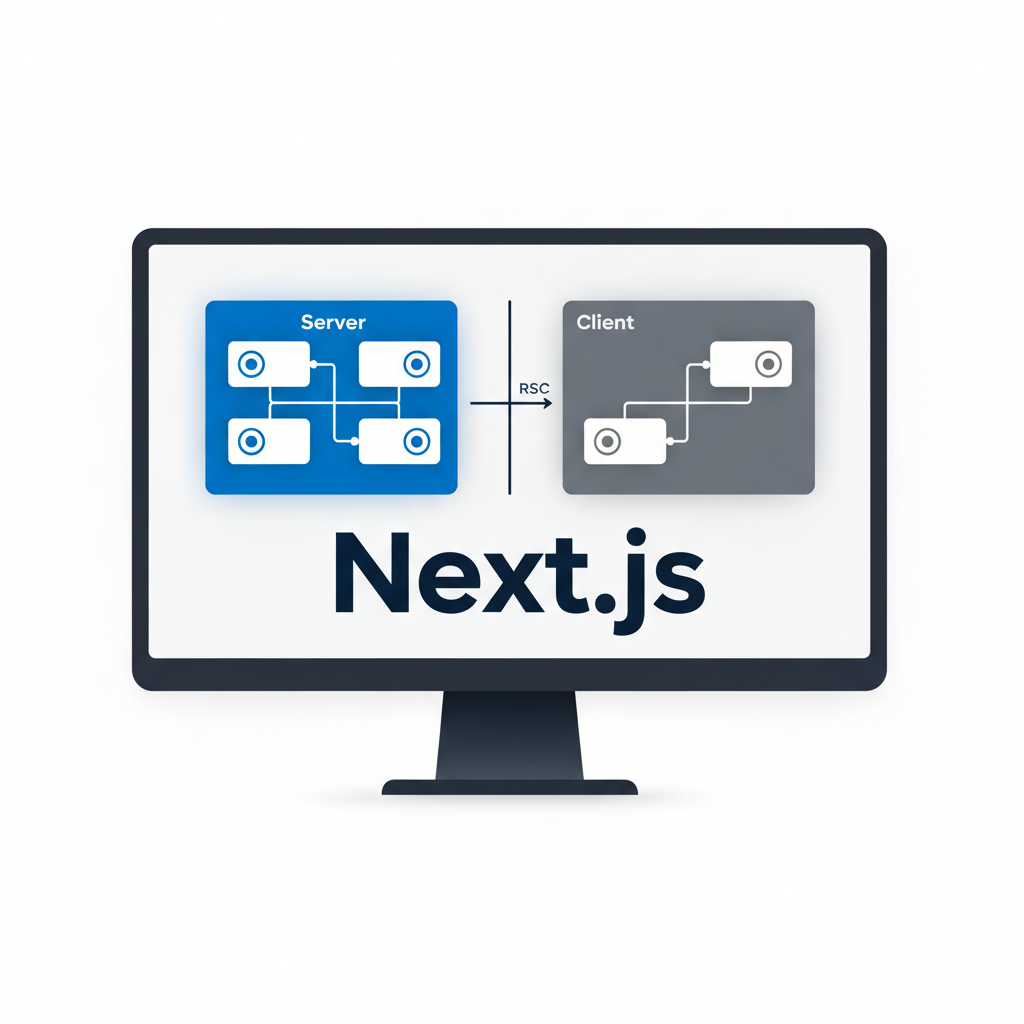
Modern React and Next.js development environment with component architecture diagram
Next.js's App Router enables granular control over rendering strategies — static, dynamic, and streaming — at the component level.

Next.js addresses the specific pain points that were driving migration requests. The key advantages we observed in practice:

Static Generation by Default

Next.js pages are statically generated at build time by default. This means pages are served as pre-built HTML files from a CDN — no server-side PHP execution, no database queries, no cache invalidation complexity. The result is consistently fast TTFB regardless of traffic volume.

React Component Architecture

Building complex UI components in React is dramatically more productive than WordPress theme development. Component reusability, TypeScript support, and the React ecosystem make it easier to build and maintain sophisticated interfaces.

Incremental Static Regeneration (ISR)

For content that changes frequently, ISR allows pages to be regenerated in the background at configurable intervals without a full rebuild. This gives the performance of static generation with the freshness of server-side rendering.

Built-in Performance Optimizations

Next.js includes automatic image optimization, font optimization, script loading strategies, and bundle splitting — features that require multiple plugins and careful configuration in WordPress.

Pro Tip: Choose your rendering strategy per page

Next.js allows different rendering strategies for different pages in the same application. Use static generation for marketing pages, ISR for blog posts, and server-side rendering only for pages that require real-time data. This granularity is not possible in WordPress.

The Migration Process

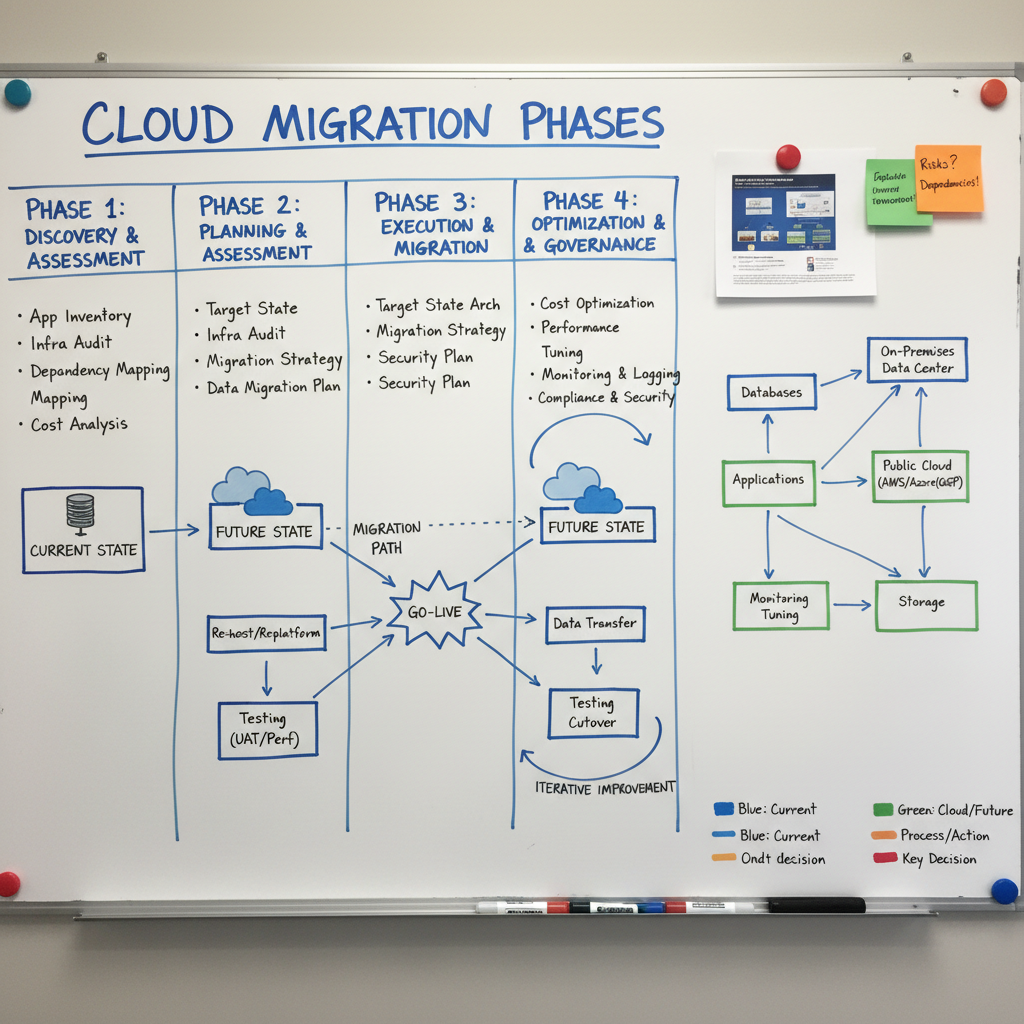
Project planning and architecture diagram on whiteboard showing migration phases
A structured migration process reduces risk and ensures nothing is missed during the transition.

Our migration process evolved over multiple projects. Here's the approach we refined:

Phase 1: Audit and Inventory

Before writing a single line of code, we audit the existing WordPress site:

  • Crawl all URLs and document the site structure
  • Identify all custom post types, taxonomies, and content relationships
  • Document all forms, integrations, and dynamic functionality
  • Audit current performance baselines (Core Web Vitals, PageSpeed scores)
  • Export all content from WordPress

Phase 2: Architecture Decision

Decide on the content management approach for the new site:

  • Headless WordPress: Keep WordPress as a CMS, use Next.js as the frontend via the WordPress REST API or GraphQL (WPGraphQL)
  • Headless CMS: Migrate content to a dedicated headless CMS (Contentful, Sanity, Strapi)
  • Git-based CMS: For smaller sites, store content as MDX files in the repository
  • Database-backed: Build a custom content management system using a database like Supabase

Phase 3: Development

Build the Next.js application with feature parity to the WordPress site. Prioritize:

  • URL structure preservation (critical for SEO)
  • All forms and integrations
  • Redirect mapping for any URL changes
  • Sitemap generation

Phase 4: Content Migration

Migrate content from WordPress to the new CMS. For headless WordPress, this step is minimal. For other CMS options, it requires careful data transformation.

Phase 5: Staged Rollout

Deploy to a staging environment, run comprehensive QA, then switch DNS. Keep the WordPress site running in parallel for 2–4 weeks as a fallback.

Warning: URL structure is critical

Changing URL structure during migration is the most common cause of post-migration SEO drops. If you must change URLs, implement 301 redirects for every changed URL and submit an updated sitemap to Google Search Console immediately after launch.

SEO During Migration

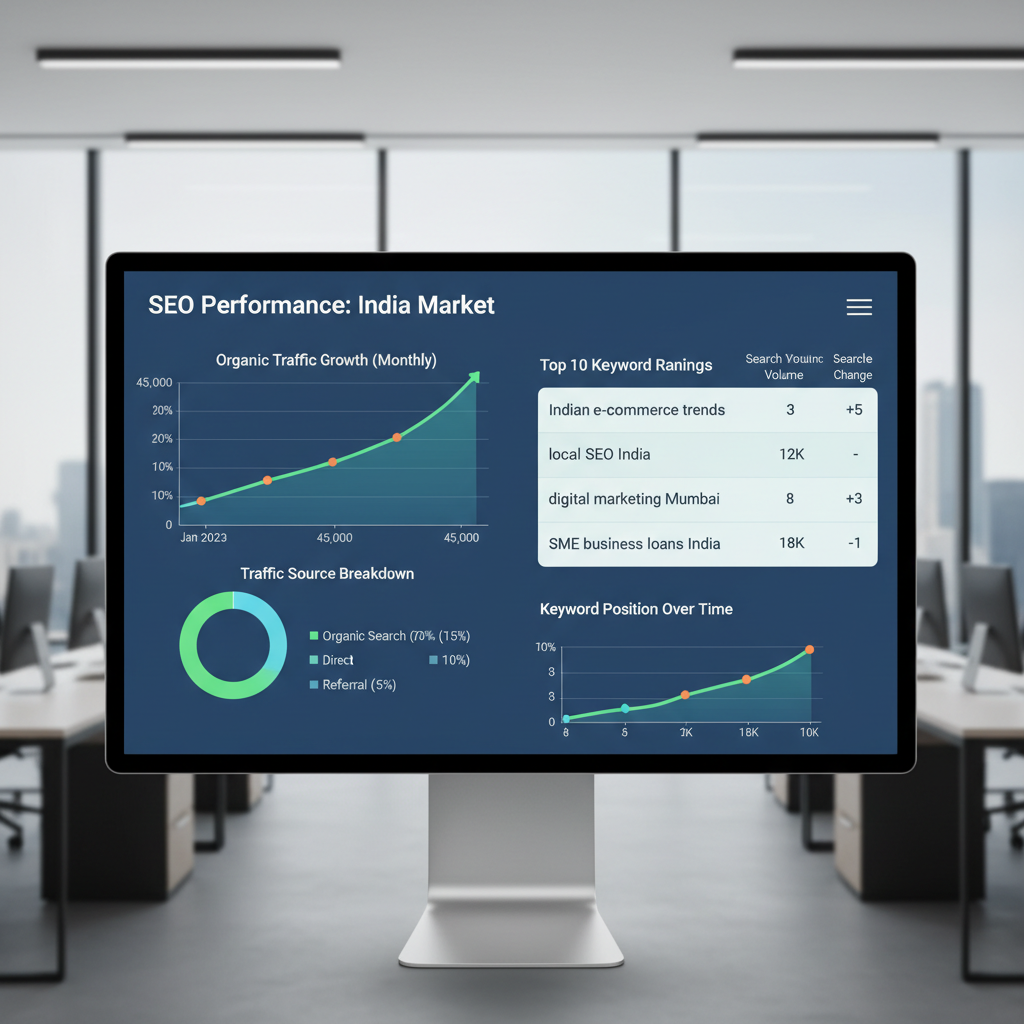
SEO analytics dashboard showing search rankings and organic traffic trends
Monitoring search rankings and organic traffic closely in the weeks following migration is essential for catching any SEO regressions early.

SEO is the highest-risk aspect of any site migration. A poorly executed migration can result in significant, long-lasting ranking drops. Here's what we do to protect SEO during migration:

Pre-Migration

  • Document all current rankings for target keywords
  • Export all backlinks from Ahrefs or Search Console
  • Crawl the site to identify all indexed URLs
  • Note all structured data (schema markup) implementations

During Development

  • Implement all meta tags, Open Graph tags, and structured data in the new site
  • Preserve all URL slugs exactly where possible
  • Build a comprehensive redirect map for any URL changes
  • Implement canonical URLs correctly
  • Generate XML sitemaps

Post-Launch

  • Submit updated sitemap to Google Search Console
  • Request re-indexing for key pages
  • Monitor rankings daily for the first 2 weeks
  • Watch for crawl errors in Search Console
  • Verify all redirects are working correctly

Key Insight: Temporary ranking fluctuations are normal

It's normal to see ranking fluctuations in the first 2–4 weeks after a migration as Google re-crawls and re-evaluates the site. As long as redirects are in place and the new site is technically sound, rankings typically stabilize or improve within 4–8 weeks.

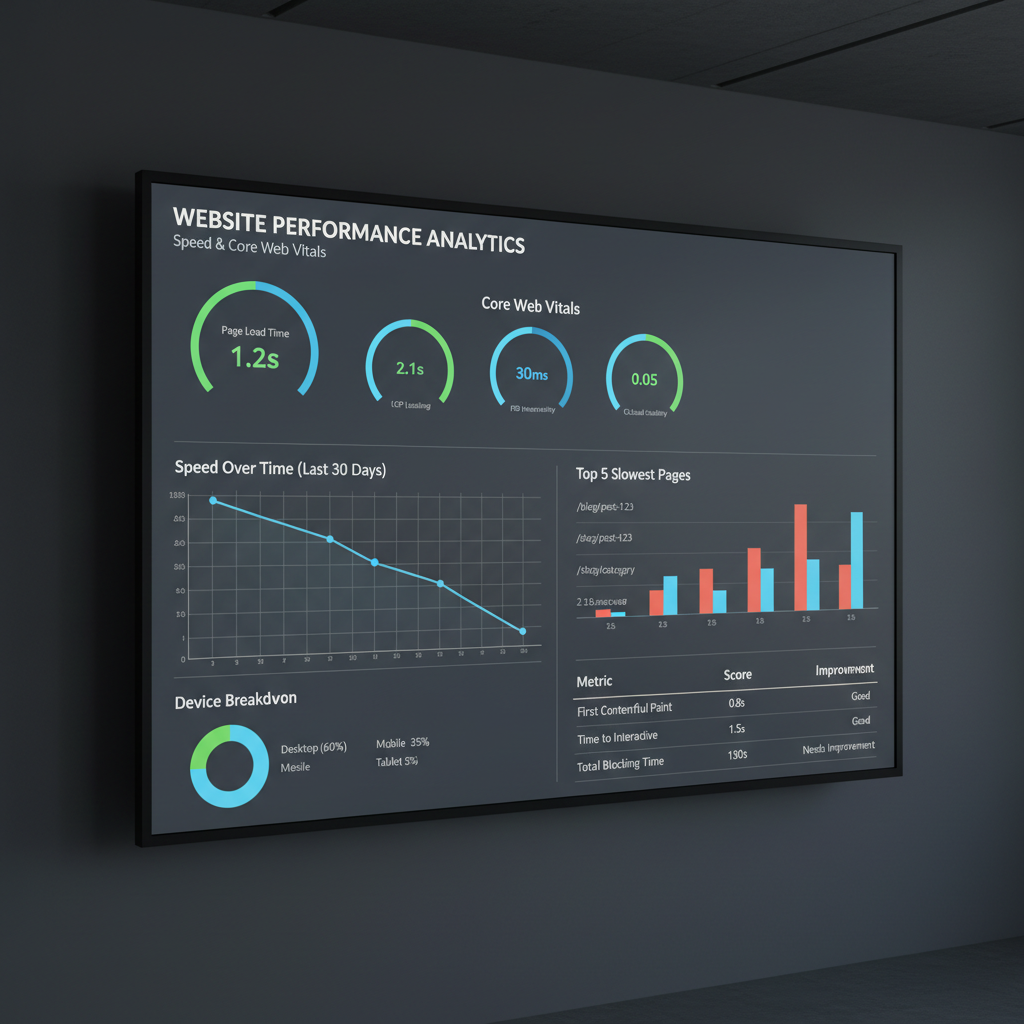
Performance Results

The performance improvements from WordPress to Next.js migrations are generally significant, though the exact numbers vary considerably based on the starting point (how optimized the WordPress site was) and the quality of the Next.js implementation.

In general, the improvements we observed across projects were consistent with what the industry reports for well-executed WordPress-to-static-site migrations:

  • LCP improvements are typically the most dramatic, as static generation eliminates server-side rendering time and CDN delivery is faster than dynamic WordPress hosting
  • INP improvements come from eliminating heavy WordPress JavaScript (jQuery, page builders, plugin scripts) and replacing with lean React components
  • CLS improvements come from Next.js's built-in image optimization and font handling

That said, a poorly implemented Next.js site can perform worse than a well-optimized WordPress site. The technology is not a substitute for good implementation.

Important: Results vary significantly

Performance improvements depend heavily on the starting state of the WordPress site and the quality of the Next.js implementation. A heavily optimized WordPress site with a good CDN may see modest gains. A plugin-heavy WordPress site with no caching can see dramatic improvements. Always measure before and after.

40%of the web runs on WordPress

WordPress's market dominance means there's a massive ecosystem of tools, talent, and knowledge. This is a genuine competitive advantage that Next.js doesn't replicate.

Content Management After Migration

One of the most common concerns from clients considering migration is: "How will non-technical team members update content?" This is a legitimate concern that requires careful planning.

The options we've used successfully:

Headless WordPress

Keep WordPress as the CMS and use Next.js as the frontend. Content editors continue using the familiar WordPress admin interface. This is the lowest-friction option for teams with existing WordPress expertise.

Dedicated Headless CMS

Platforms like Sanity, Contentful, and Strapi provide modern, user-friendly content editing interfaces that are often superior to WordPress for structured content. They require a learning curve but offer better content modeling capabilities.

Git-based CMS

For developer-maintained content, storing content as MDX files in the repository is simple and version-controlled. Tools like Decap CMS (formerly Netlify CMS) provide a web interface for editing MDX files without requiring Git knowledge.

Pro Tip: Match the CMS to the team

The best CMS is the one your team will actually use. A technically superior CMS that the content team finds confusing will result in outdated content and workarounds. Involve content editors in the CMS selection process.

When WordPress Is Still the Right Choice

We've recommended against migration in several situations. WordPress remains the better choice when:

  • The client has a large, non-technical content team that is deeply familiar with WordPress and would face significant productivity loss during a CMS transition
  • The site relies heavily on WordPress plugins with no equivalent in the headless ecosystem (certain membership plugins, LMS platforms, complex e-commerce configurations)
  • The budget doesn't support a quality migration — a rushed or under-resourced migration is worse than staying on WordPress
  • The current WordPress site is well-optimized and meeting performance targets — migration for its own sake doesn't make business sense
  • The client needs rapid content iteration with complex workflows — WordPress's editorial workflow tools are mature and well-understood

Bottom Line

Technology decisions should be driven by business requirements, not trends. WordPress is a legitimate, capable platform. Next.js is a legitimate, capable platform. The right choice depends on the specific requirements, team capabilities, and business context of each project.

Key Lessons Learned

After working through multiple migrations, these are the lessons that shaped our process:

  1. Audit before you build. Understanding the full scope of the existing site prevents surprises mid-migration.
  2. Preserve URLs obsessively. URL changes are the most common cause of post-migration SEO damage.
  3. Choose the CMS for the content team, not the developers. Developer convenience should not override content editor usability.
  4. Measure performance before and after. Without baseline measurements, you can't demonstrate the value of the migration.
  5. Keep WordPress running in parallel. A 2–4 week parallel run period provides a safety net if critical issues are discovered post-launch.
  6. Don't migrate just because Next.js is newer. Migration has real costs and risks. It should be justified by specific, measurable problems.

"The best technology stack is the one that solves your specific problems reliably, not the one that's most fashionable." — A principle we apply to every technology decision.

Key Takeaway

WordPress-to-Next.js migrations can deliver significant performance improvements and developer experience gains, but they carry real risks and costs. The decision should be driven by specific, measurable business problems — not technology trends. When you do migrate, preserve URL structure obsessively, plan the content management strategy carefully, and measure performance before and after to validate the investment.

Found this article useful? Share it:

Share

You May Also Like